Colored inputsUse controller colors for attack buttons
Tekken 8 Combo Generator
Launcher(s)
Follow-Ups
Delete
Save
Instructions:
- To add a new combo, click the “+ Add New Combo” button at the bottom of the table. To edit an existing combo, double-click on the cell you want to edit.
- To add a new launcher or follow-up, click the “+” button next to the last input field. To separate follow-ups into different sequences, add them in separate input fields.
- To Save the full row of your custom Combos as a transparent PNG file click Save as image (duh).
Note: Combos are saved currently on the browser. Clearing the cache will remove all your custom combos.
For launchers and follow-ups, separate input commands with a space. They aren’t case-sensitive, so upper- and lower-case notation both work. Each command corresponds to an icon as follows:
Input Legend
CH: Counter Hit
BT: Back Turned
T: Tornado(spin)
into / >: Next combo step
chip: Chip Damage
heat: Heat
launch: Launched State
PC: Power Crush
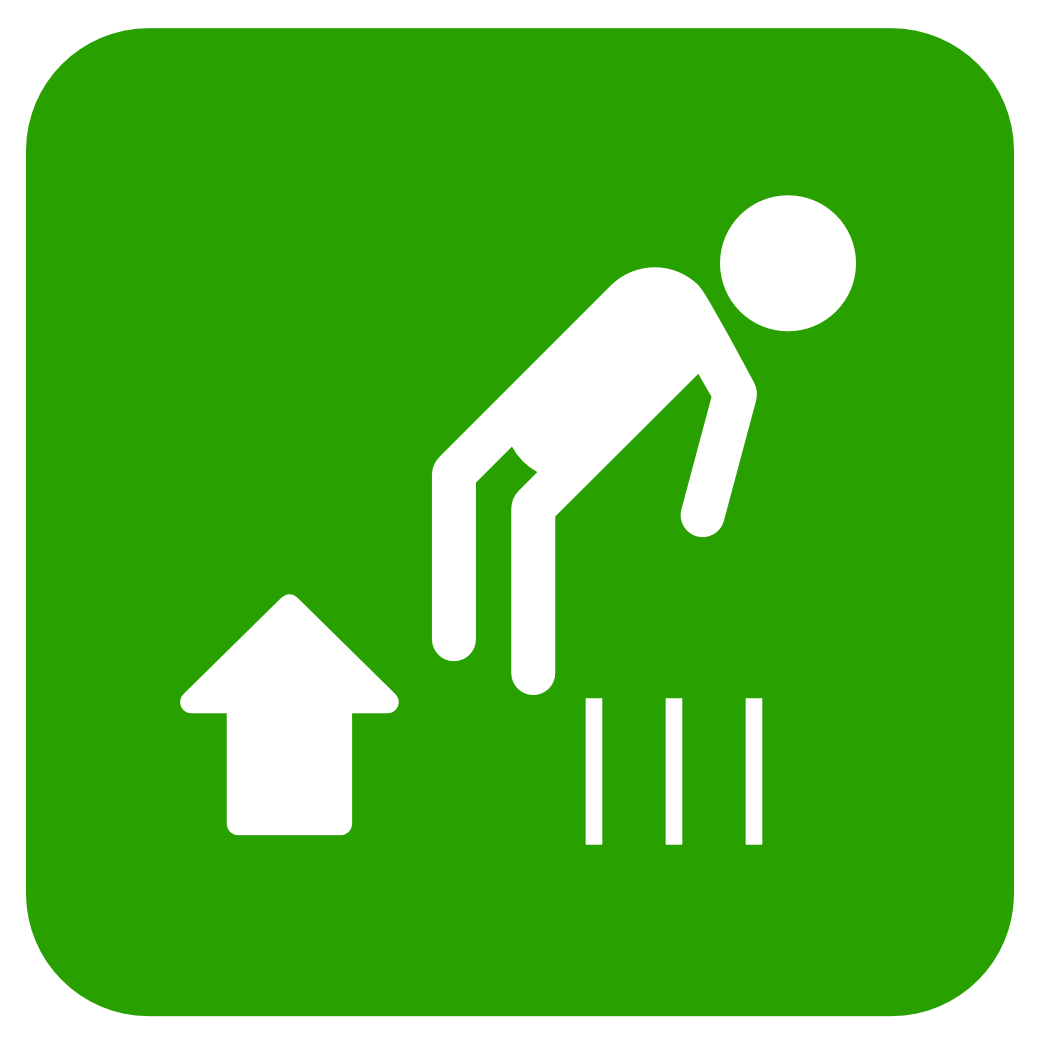
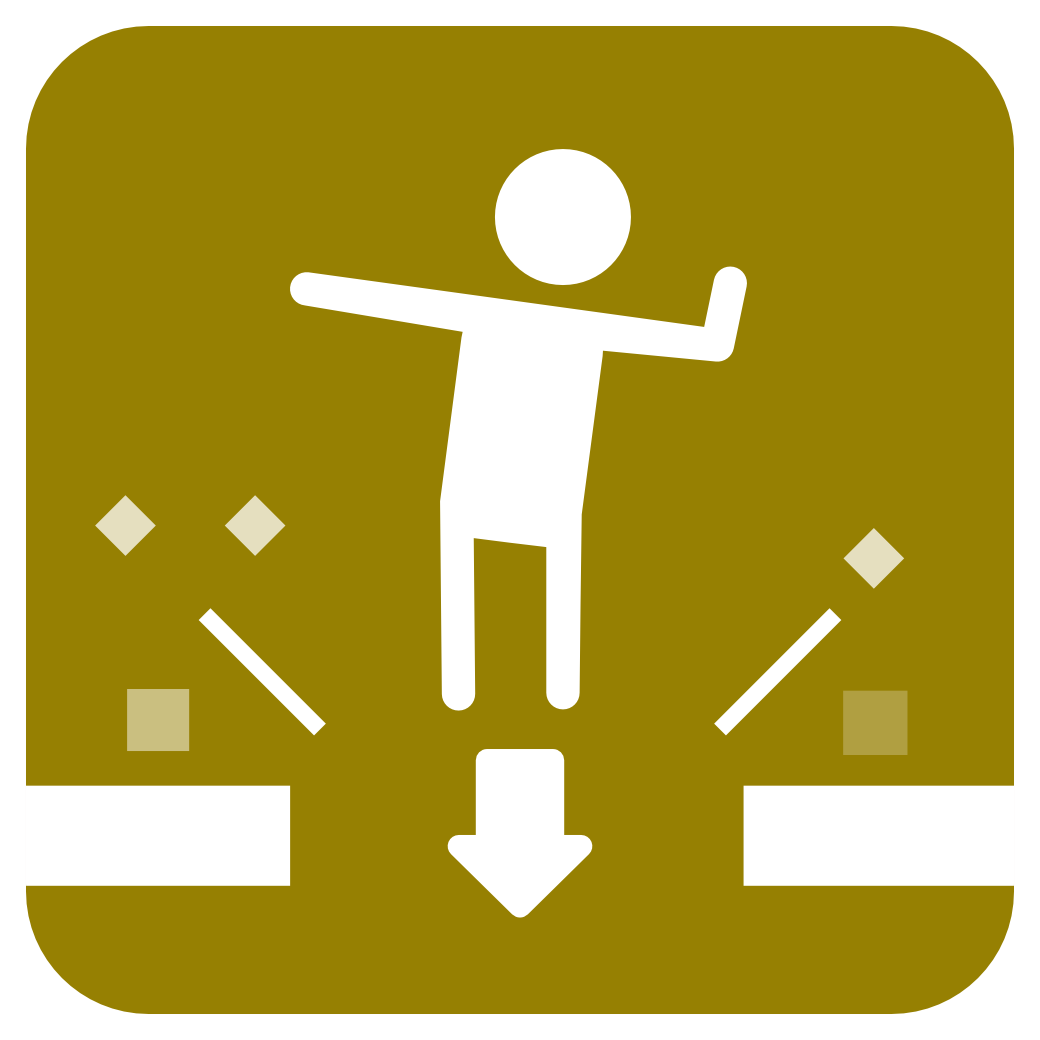
FB: Floor Break
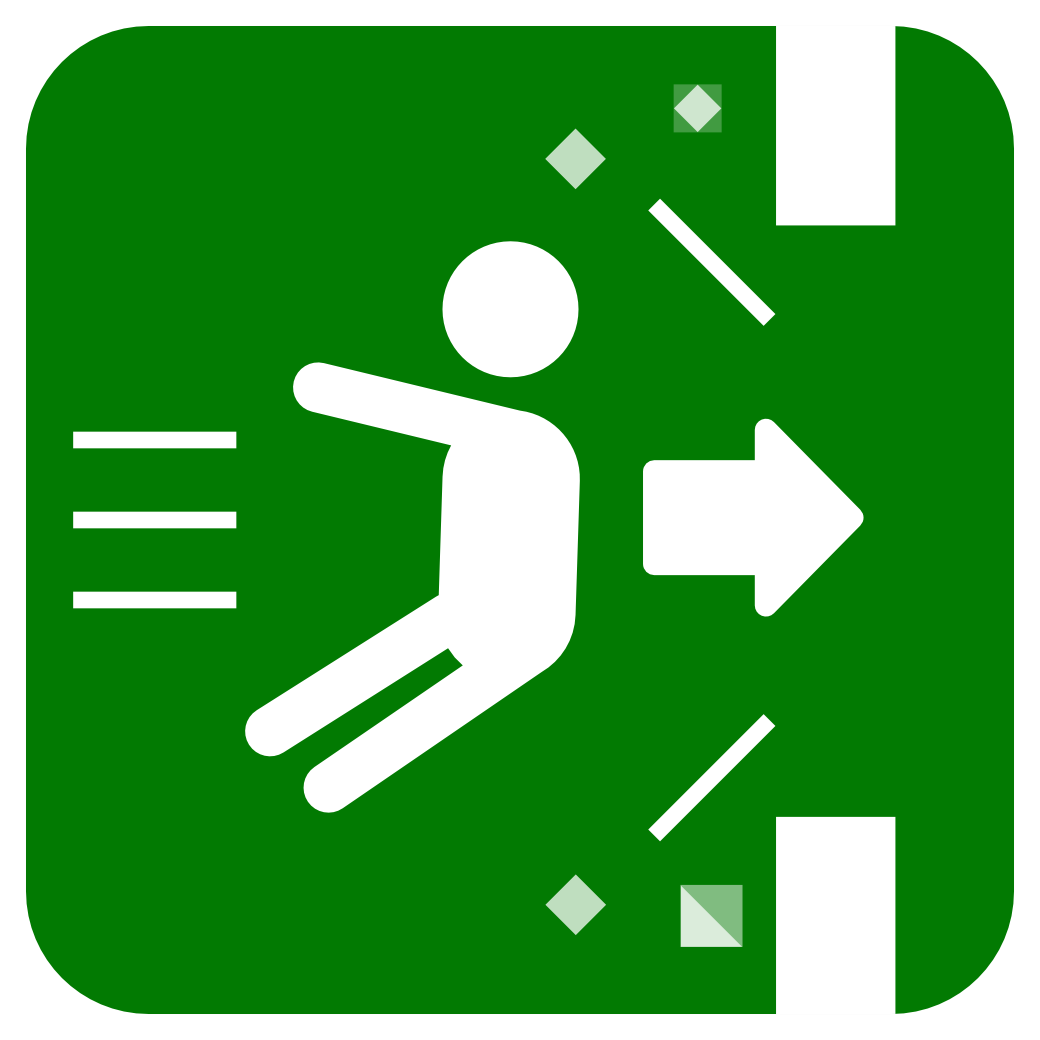
WB: Wall Break
homing: Homing
]: Bracket Right
[: Bracket Left
SS: Side Step
SSR: Side Step Right
SSL: Side Step Left
WR: While Running
WS: While Standing
f: Forward
n: Neutral
df: Down-Forward
d: Down
db: Down-Back
b: Back
ub: Up-Back
u: Up
uf: Up-Forward
1: Left Punch
2: Right Punch
3: Left Kick
4: Right Kick
1+2: Left Punch + Right Punch
1+3: Left Punch + Left Kick
1+4: Left Punch + Right Kick
2+3: Right Punch + Left Kick
2+4: Right Punch + Right Kick
3+4: Left Kick + Right Kick
1+2+3: Left Punch + Right Punch + Left Kick
1+2+4: Left Punch + Right Punch + Right Kick
1+3+4: Left Punch + Left Kick + Right Kick
2+3+4: Right Punch + Left Kick + Right Kick
1+2+3+4: Left Punch + Right Punch + Left Kick + Right Kick